The 15 best website technology checkers and theme detectors
Fifteen tools for working out the theme, plugins and infrastructure behind any website. Ranked on what you actually get for what you pay, with the free ones first.
BlogHugAugust 202617 min read
Someone sends you a link. The layout is exactly what you have been trying to build for a month. You want to know what is running underneath it.
There are two very different ways to answer that.
One is checking a single site. You paste a URL, you get back a theme name, a plugin list, a server. Free tools do this well.
The other is the reverse question. Not "what does this site run" but "show me every site running this thing". That is a completely different product, and it is where the money in this category lives.
Most roundups mix the two together and leave you confused about why one tool costs nothing and another costs $295 a month.
So I have ranked all 15 by what you actually get for what you pay, with the free single site checkers first and the enterprise platforms last.
How to read this list
Positions 1 to 7 are tools you can use today for free or close to it. Most people never need to go further down the page.
Positions 8 to 11 are the established detection platforms, priced for teams doing this at scale.
Positions 12 to 15 sell technology data as sales intelligence. Different buyer, different budget.
Prices are what each vendor published in August 2026 and they change often.
The quick comparison
The column that matters most is the last one. "Reverse search" means the tool can list every site running a given technology, not just check one site at a time.
That single capability is the difference between a free toy and a paid product.
#
Tool
Best for
WordPress detail
Price
Reverse search
1
StackScan
Building lists of sites by tech
Excellent
$39/mo
Yes
2
WhatRuns
Everyday single site checks
Very good
Free
No
3
WPThemeDetector
Theme name, author, licence
Very good
Free
No
4
ScanWP
Finding the plugin list
Very good
Free
No
5
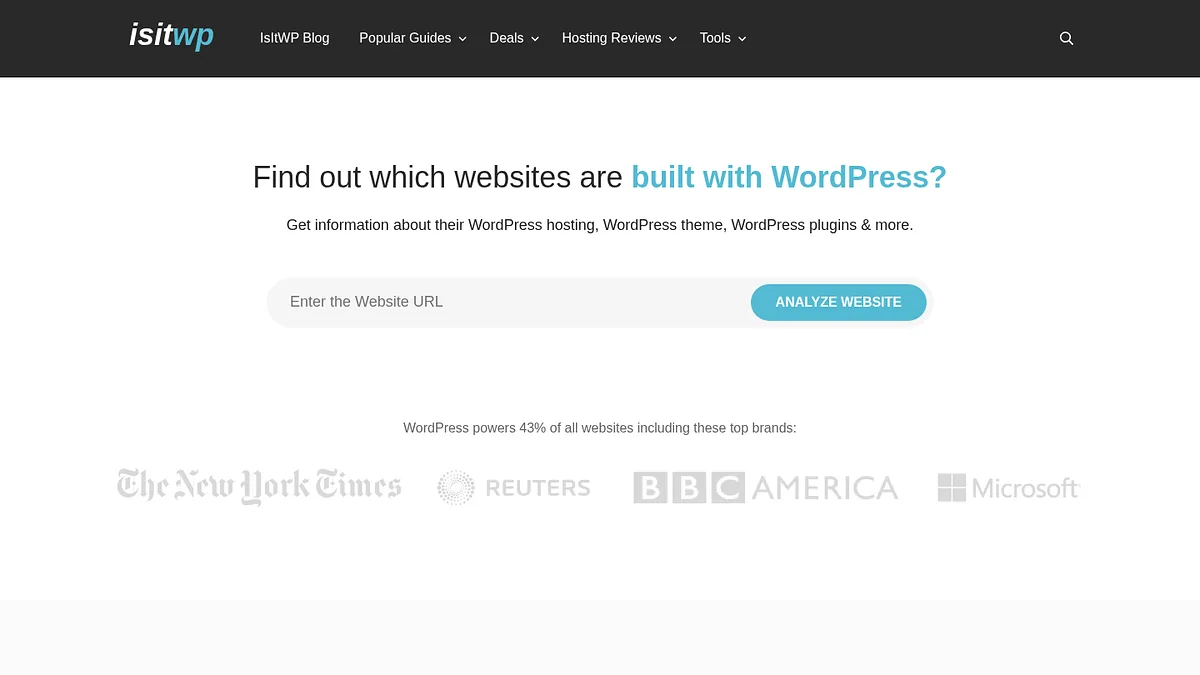
IsItWP
Is this even WordPress?
Basic
Free
No
6
W3Techs
Market share research
Aggregate only
Free
No
7
Netcraft
Hosting, server, SSL history
Limited
Free
No
8
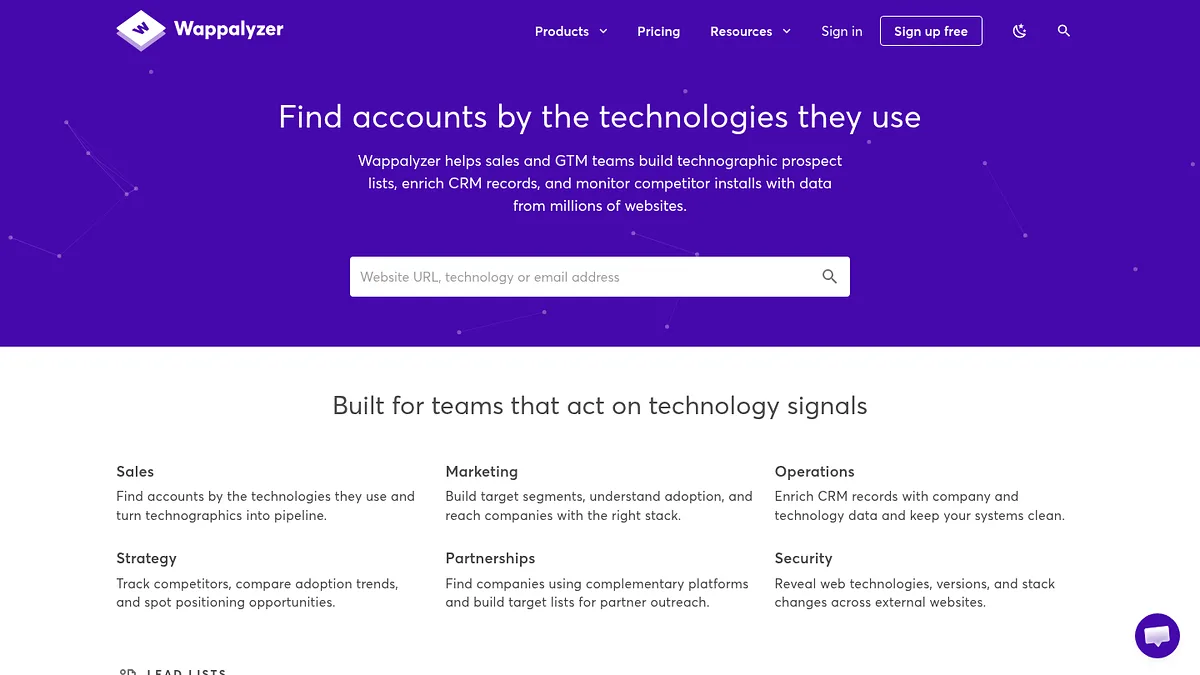
Wappalyzer
Accuracy and API access
Moderate
$250/mo
Yes
9
BuiltWith
History and long tail tech
Moderate
$295/mo
Yes
10
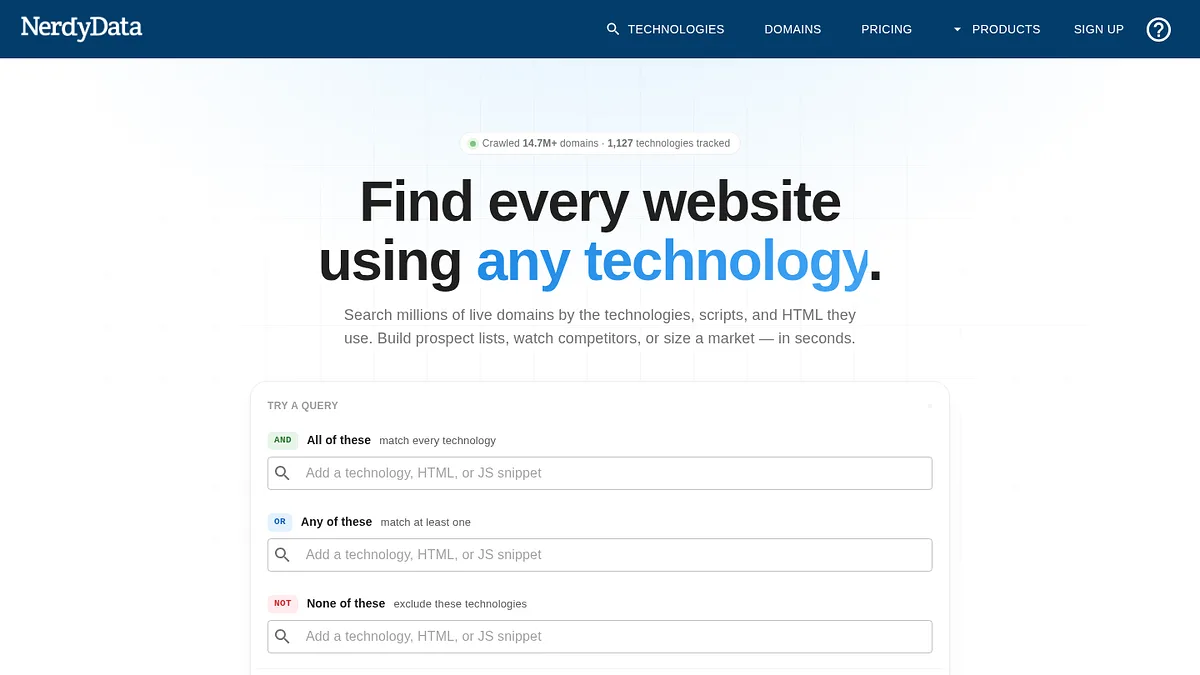
NerdyData
Searching raw page source
Via code search
$200/mo
Yes
11
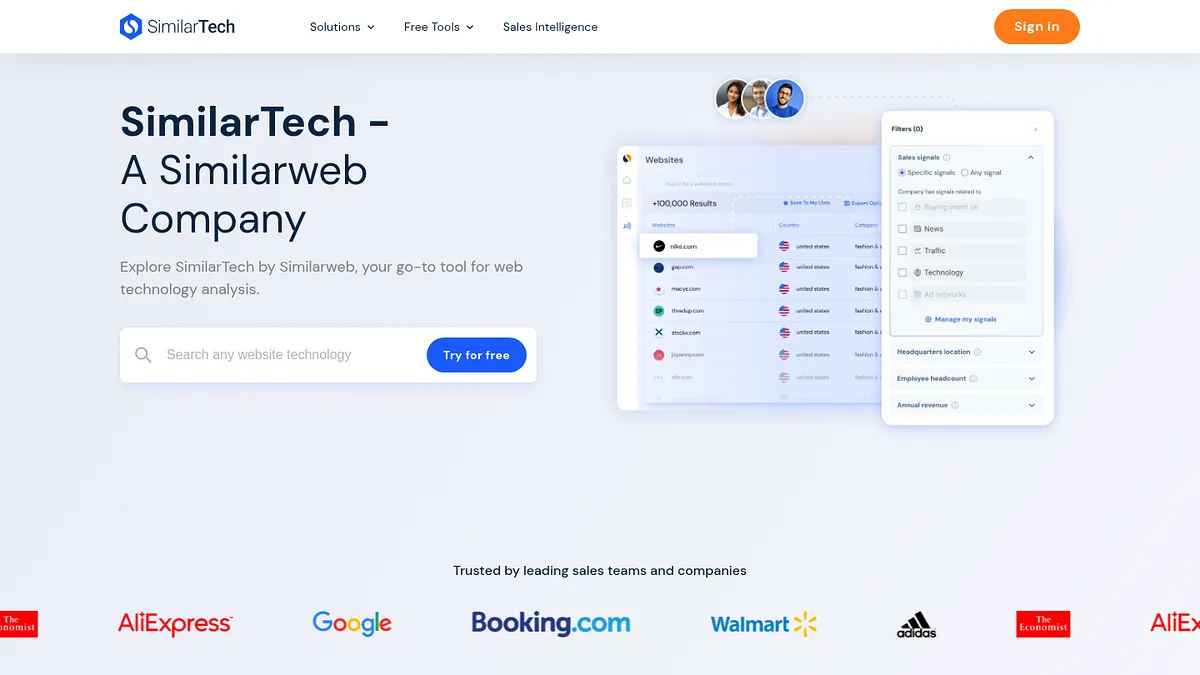
SimilarTech
Adoption trend charts
Aggregate only
Not published
Yes
12
Similarweb
Traffic alongside tech
Limited
Quote based
Partly
13
Datanyze
In-browser prospecting
Limited
$29/mo
Limited
14
PredictLeads
Feeding a data pipeline
Limited
Quote only
Yes
15
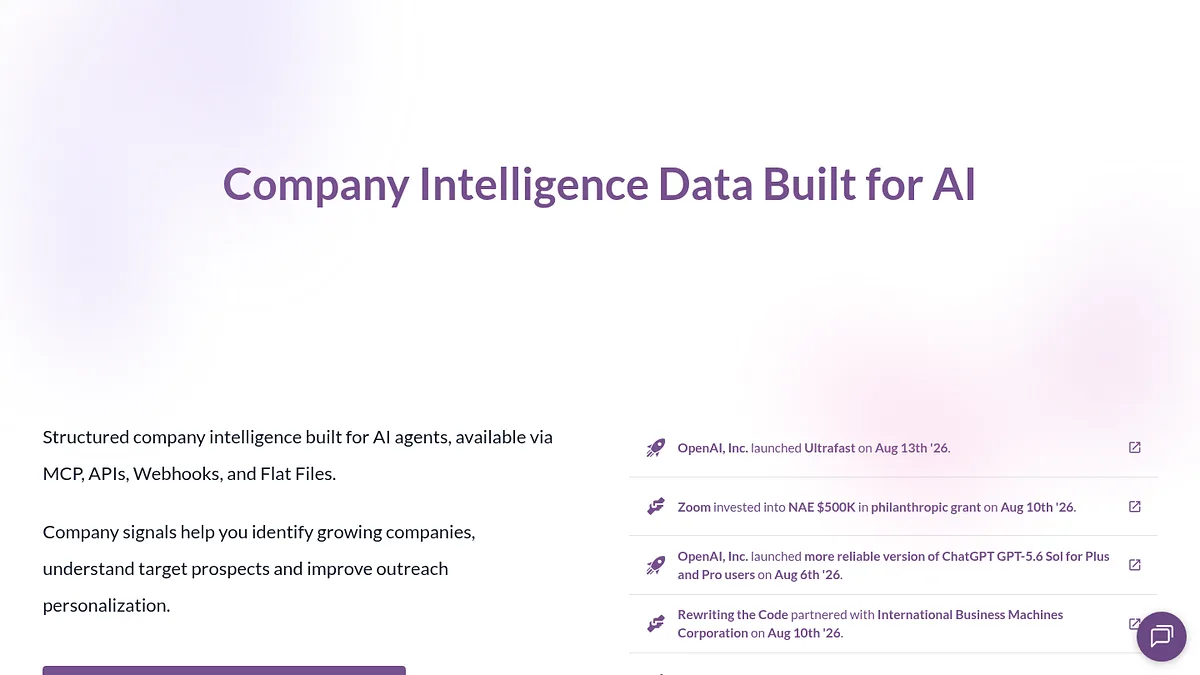
HG Insights
Enterprise IT spend
None
~$31,000/yr
Yes
Scroll the table sideways to see every column.
01Best overallReverse search
1. StackScan, the one that answers the question backwards
The free checkers further down this page all work the same way. One URL in, one answer out.
StackScan runs the question backwards.
You name a technology and it hands you the sites running it, drawn from an index of 360 million plus domains covering 55,000 technologies.
That inversion is the whole reason it sits at the top. Knowing what one site runs is curiosity. Knowing every site that runs something is a project, and barely a handful of tools on this page can attempt it.
Say you want every WooCommerce store in Germany that also loads Klaviyo. Or every site still running a page builder that stopped shipping updates two years ago. No single site checker will get you there.
WordPress coverage is the deepest here, and not because it reads more off any one page. Themes and plugins both sit in the catalogue, and because the index runs in reverse you can pull every site using a given plugin instead of testing them one at a time.
Three tools ship with it. Tech Lookup is the reverse search. Keyword Scan searches page copy by keyword or topic rather than installed software, which surfaces people circling a category before they buy into it. Stack Explorer reports adoption by technology and country so you can size a segment before spending on it.
Getting the data out is not a bottleneck either. There is a REST API, CRM integrations, Zapier and n8n, an MCP server for agent workflows, and CSV export carrying up to 20 data points per domain.
Plans open at $39 a month. Rebuilding the same report later does not burn a fresh credit, so watching a segment over time costs nothing after the first pull.
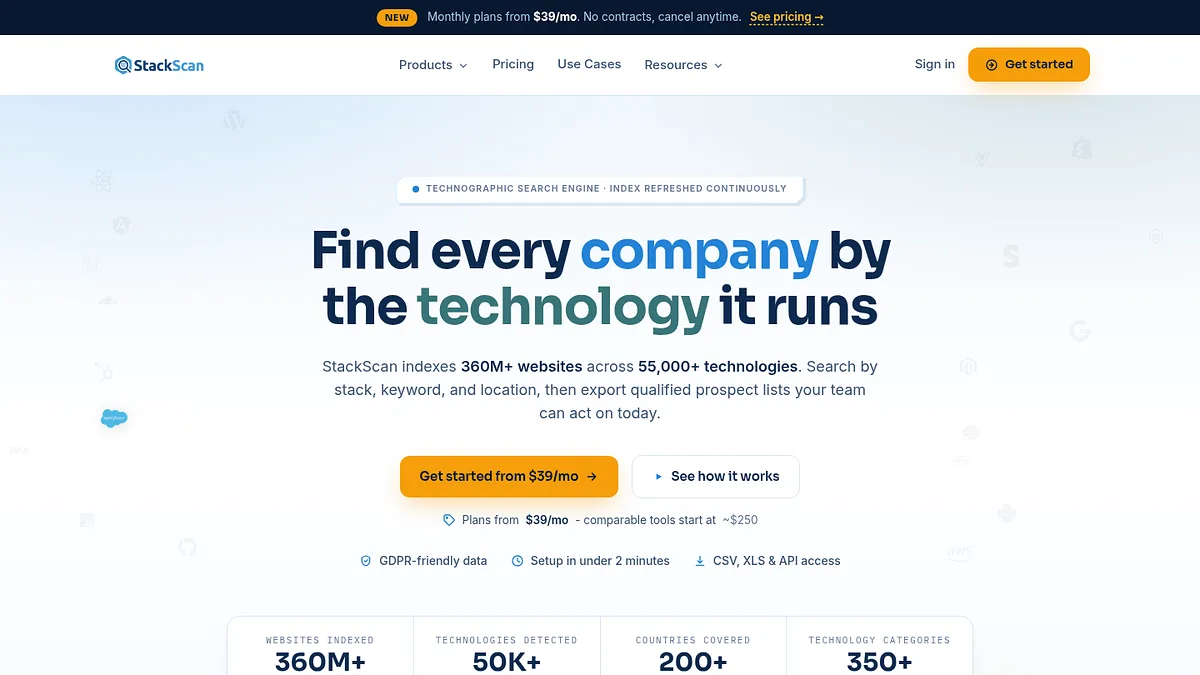
StackScan's front page. The counters below the fold put the index at 360 million plus domains and 55,000 technologies.
Index
360M+ domains
Technologies
55,000
WordPress detail
Best on this list
Price
$39/month
Strong points
Reverse search at a price nothing else here approaches
360 million plus domains, so the long tail is genuinely covered
MCP server and Zapier, so it drops into an existing workflow
Keyword Scan surfaces intent, not only installed software
Repeat reports cost nothing, which makes tracking a segment cheap
Where it falls short
Built for breadth across 55,000 technologies rather than one platform
No archive of what a site ran in previous years
More than you need if you only ever check one URL at a time
My take: the only tool here that answers “which sites run this” without a five figure contract. If that is never your question, the free checkers below will serve you perfectly well.
If you take one thing away from this page, take this one.
It lives in the toolbar. Click it on any page and the stack drops down.
Chrome and Firefox, no account, no daily ceiling, no charge.
For anyone working with WordPress the useful part is how far down it digs. It does not stop at naming the CMS. It reports the theme, then the plugins, and picks up fonts and CDNs on the way past.
Plugin level reporting is scarce. Most general detectors spot WordPress and consider the job finished.
New signatures land at a rate of 50 to 100 a day, so it ages better than free software usually does.
The limit is structural rather than a flaw. One page at a time, nothing to export, and no way to flip the question round.
WhatRuns is an extension wearing a website. The homepage exists mainly to hand you the download.
Best for
Everyday single site checks
Platforms
Chrome, Firefox
Price
Free
Standout
Plugin and theme detail
Strong points
Costs nothing and asks for nothing, not even an email
Theme and plugin reporting beats several paid products
Also reports fonts, CDNs and analytics scripts
API keys are free if you want to script against it
Where it falls short
Strictly one URL at a time
Nothing leaves the panel, so there is no export
No memory of what the site ran previously
Server side software stays invisible to it
My take: pin it and forget about it. It settles the everyday question in a click and never sends you a bill.
3. WPThemeDetector, the most detail on the theme itself
This one is built for exactly the question we get asked.
Paste a URL, get the theme.
What sets it apart is how much it tells you about the theme once it finds it. Description, tags, licence, author, and a statistics box about the theme provider.
That last part matters more than it sounds. Knowing a site runs a child theme of some framework is useful. Knowing who built the parent, what licence it ships under, and how many sites use it tells you whether you can realistically get the same result.
It detects plugins as well, though not as many as ScanWP.
The interface is clean and there are no ads in the results, which is more than I can say for some of its competitors.
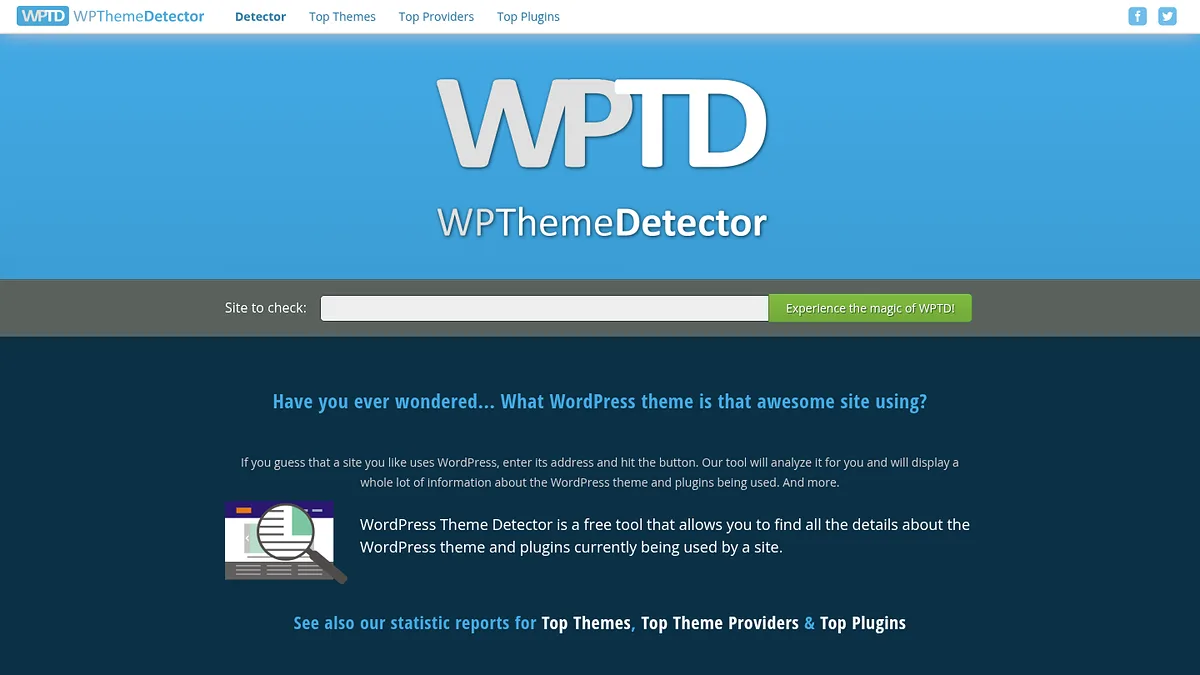
WPThemeDetector, a free tool built for one job, with no ads cluttering the result.
Best for
Theme name, author, licence
Detects
Themes and plugins
Price
Free
Reverse search
No
Strong points
Most thorough detail on the theme itself
Shows licence and author, which matters if you plan to reuse anything
Clean results with no advertising
Publishes useful aggregate stats on popular themes and providers
Where it falls short
WordPress only, useless on anything else
Plugin detection trails ScanWP
Struggles with heavily customised or renamed themes
One site at a time
My take: my first stop when the question is specifically about the theme rather than the whole stack.
Themes are the easy half. Plugins are where free tools usually give up.
ScanWP is the one that does not.
In head to head comparisons it consistently surfaces more plugins than IsItWP, and it has a larger theme database behind it.
That is the reason it sits above IsItWP here despite covering similar ground. When I have tested the same site in both, ScanWP came back with a plugin list and IsItWP came back with nothing.
It also runs separate detectors for Shopify and for hosting, so it is not strictly a WordPress tool.
The page carries advertising, which is the price of it being free.
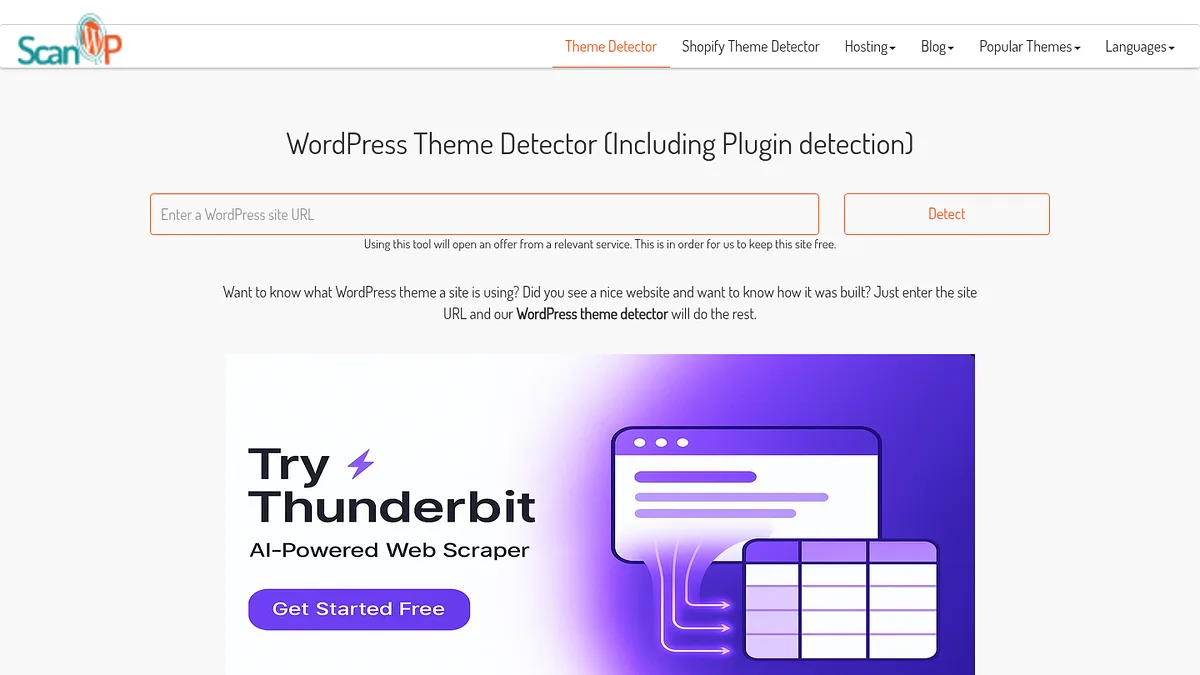
ScanWP leads with plugin detection, which is where it beats the other free WordPress checkers.
Best for
Getting the plugin list
Also detects
Shopify, hosting
Price
Free
Reverse search
No
Strong points
Best plugin detection of any free tool here
Larger theme database than IsItWP
Separate Shopify and hosting detectors
No signup needed
Where it falls short
Ads in the results page
Plugin detection is still best effort, never complete
Anything loaded server side stays invisible
One site at a time
My take: when you need the plugin list rather than the theme name, this is the free tool that delivers.
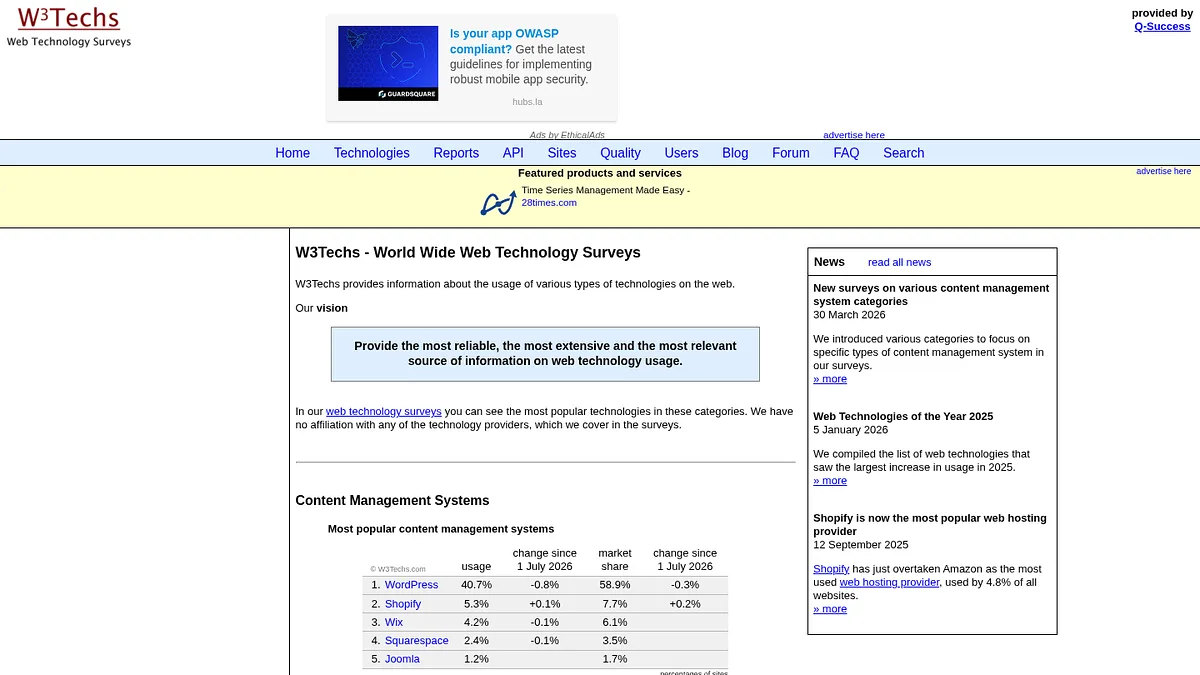
6. W3Techs, for the question no single site answers
W3Techs does not inspect sites. It counts them.
A daily survey across the top 10 million websites, reported as market share across 24 categories.
Everything from the CMS and the web server down to the analytics, the host and the top level domain.
Detection leans on several thousand signals pulled from markup, JavaScript, stylesheets, URL patterns and response headers.
The much repeated claim that WordPress runs 43% of the web starts here, and you can watch that figure drift month by month.
Reading it costs nothing. Paid reports add trend history, growth rates and adoption among newly launched sites.
It will never tell you anything about one particular site, and the sample leans toward established domains, so newer and smaller sites are undercounted.
W3Techs puts its survey tables in the open, month on month change included.
Best for
Market share and trends
Sample
Top 10M sites
Price
Free, reports paid
Categories
24
Strong points
Free, no account, and the methodology is published openly
Refreshed daily with years of history behind it
Nobody is selling you anything, so the figures are not spun
The place to settle a market share argument with actual numbers
Where it falls short
Counts populations, never individual sites
The top 10 million sample misses the long tail
Percentages rather than lists you can act on
No theme or plugin granularity
My take: the reference you check before deciding a segment is worth pursuing. You then need a different tool to pursue it.
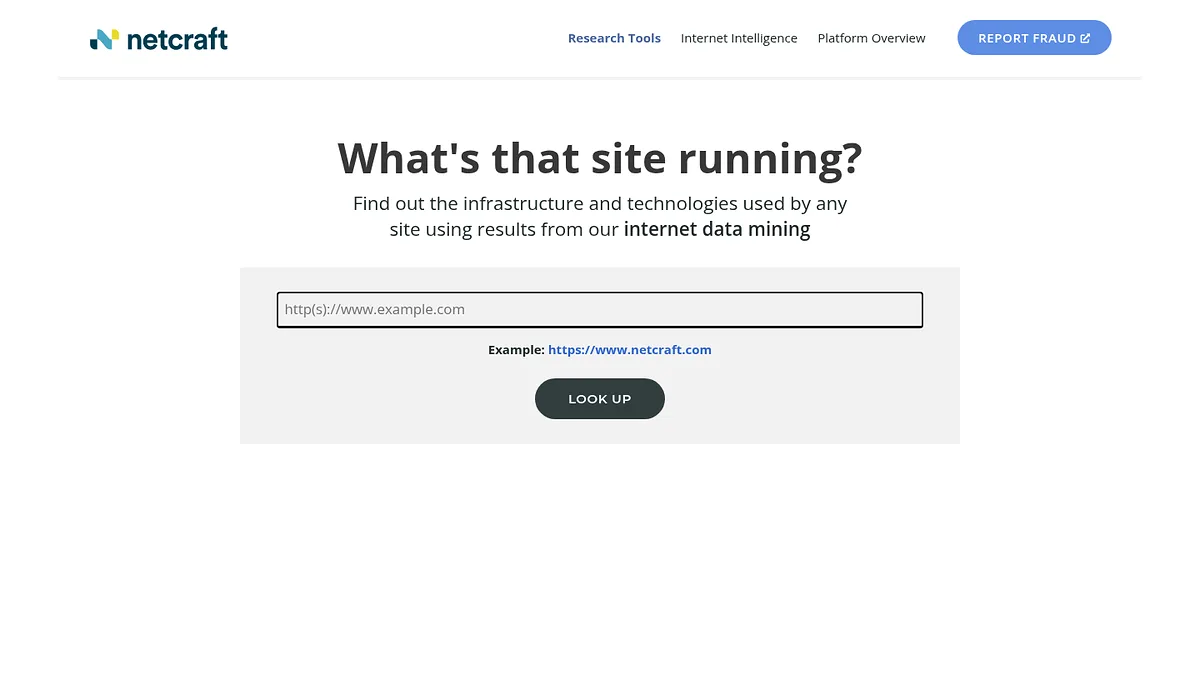
Netcraft looks underneath the site rather than at it.
Server software, hosting provider, IP, nameservers, SSL certificate status, DMARC records.
It has been running since 1995, which gives it something none of the WordPress tools have. Hosting history.
You can see where a site was hosted three years ago and when it moved. For due diligence on an agency or a site you are about to buy, that history is worth more than the theme name.
Its June 2026 survey covered around 1.5 billion sites across 304 million domains.
It also carries security context, including phishing records and infrastructure risk signals, which is why security researchers use it more than marketers do.
Application layer detection is narrow. It will not name your theme or your plugins.
Netcraft has been asking "what's that site running?" since 1995, and it kept the answers.
Best for
Hosting, server, SSL history
Running since
1995
Price
Free
Reverse search
No
Strong points
Hosting history going back decades
SSL, DNS and DMARC detail in one report
Security and phishing context nothing else here provides
Free, and no signup for the basic report
Where it falls short
Will not identify themes, plugins or most frameworks
Interface is functional rather than pleasant
Some features need an account
Aimed at security work, so marketing context is thin
My take: the infrastructure half of the picture. Pair it with a WordPress detector and you have the whole stack.
Nothing here matches BuiltWith for breadth. Around 110,000 technologies across more than 250 million sites, reaching into obscure widgets and payment scripts other crawlers ignore.
Its genuine advantage is time.
It has been crawling for well over a decade, so it answers questions no younger index can. When did this site adopt that plugin. What did it replace. How long did it survive.
Chasing sites that have just abandoned a competing product? That archive is the entire proposition.
The bill follows accordingly. $295, $495 and $995 a month for Basic, Pro and Team on annual terms.
There is no usable free tier either. The public lookup is a shop window rather than an account, so you cannot test list building before paying.
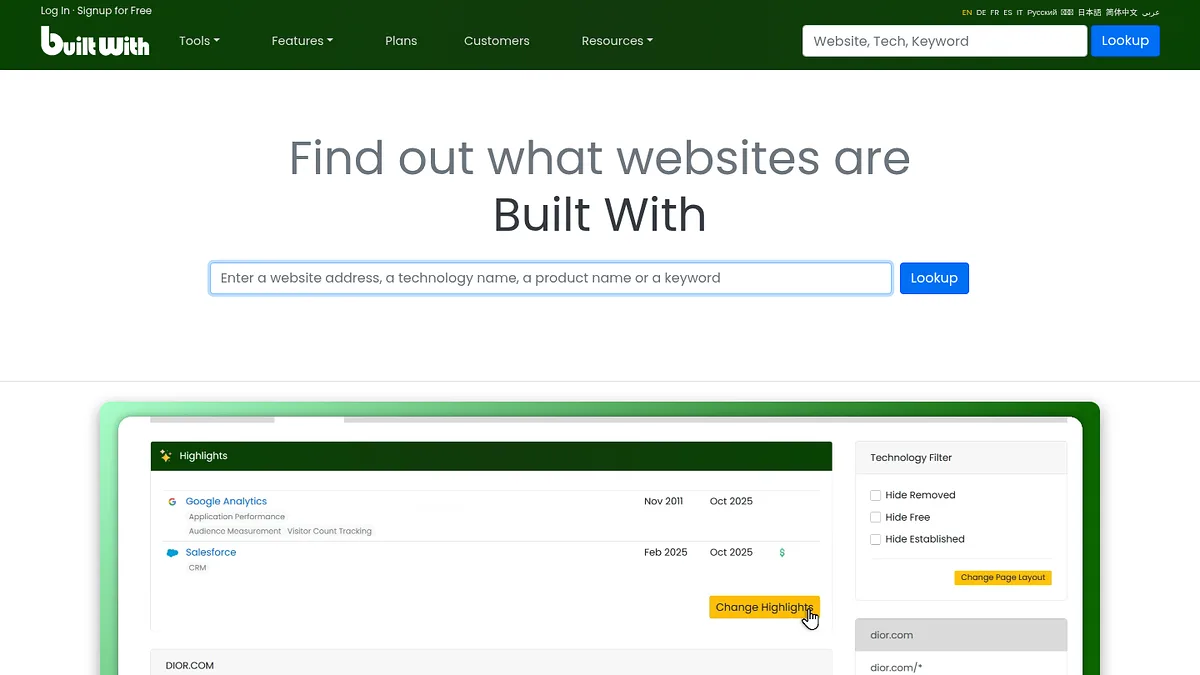
One search box, unchanged for years. The free lookup is a sample rather than an account.
Best for
Historical records
Technologies
~110,000
Price
$295/month
Reverse search
Yes
Strong points
Broadest catalogue in the category by a distance
A decade of history nothing else can replicate
The free Trends data is genuinely useful
Established API and a well documented data model
Where it falls short
Roughly seven times the entry price of the tool at the top
Nothing free that lets you validate coverage first
The interface shows its age
Average WordPress plugin reporting
My take: unbeatable when the question involves the past. Extravagant when it only involves the present.
Similarweb is a traffic estimation platform that happens to carry technology data.
That ordering matters. Nobody buys it for the tech detection.
What it adds is context the pure detectors lack. Knowing a site runs a given theme is one thing. Knowing it runs that theme and pulls two million visits a month is a different conversation.
For competitive research where traffic is the real question, it earns its place.
Traffic figures are modelled estimates, not measurements, and they get less reliable the smaller the site. For most WordPress sites the numbers are guesswork.
Pricing is quote based and lands well above anything else in the top half of this list.
Similarweb sells traffic and market data first. Technology detection rides along with it.
Best for
Traffic plus tech context
Data type
Modelled estimates
Price
Quote based
Reverse search
Partly
Strong points
Traffic context nothing else on this list offers
Strong industry and competitor benchmarking
Useful free tier for headline traffic numbers
Where it falls short
Traffic figures are estimates and weak on small sites
Technology detection is a side feature
Expensive, quote only
No WordPress plugin detail
My take: buy it for traffic data. The technology layer is a bonus, not a reason.
Every tool here reads what the browser can see. Scripts, stylesheets, markup, headers.
Anything running server side is invisible. A caching plugin, a security plugin, most things that never touch the front end.
Minification, renamed theme folders and aggressive caching all hide things too.
So treat a plugin list as a floor, never a complete inventory. If two tools disagree, they are probably both partly right.
Common questions
Mostly from the stylesheet path. A standard install serves theme files from wp-content/themes/theme-name, so the folder name gives it away.
Better tools also read the style.css header, which carries the theme name, author, version and licence.
That is why a renamed folder or a heavily customised child theme can defeat detection completely.
Because each one only sees plugins that leave a front end trace, and they match against different databases.
A plugin that enqueues a script or stylesheet is visible. One that only filters content server side is not.
ScanWP tends to find the most, but no tool finds everything.
Not with the free single site checkers. That is a reverse search and it needs an index of the whole web behind it.
StackScan, BuiltWith and NerdyData can all do it. StackScan is the cheapest entry point at $39 a month.
Yes, and more than in most categories. WhatRuns, WPThemeDetector, ScanWP, IsItWP, W3Techs and Netcraft all cost nothing for the core job.
You start paying when you want reverse search, exports or API access.
Yes. These tools read publicly served files, the same ones your browser downloads to render the page.
What you do next is a separate question. Identifying a theme is fine. Copying a licensed theme is not.
How I ranked these
Three things, weighted in this order.
Cost to a useful answer. What you actually pay to get something you can act on.
Depth on WordPress. Theme name is table stakes. Plugin detail is what separates them.
Reverse search. Whether the tool can go from technology to list of sites, which is the capability worth paying for.
That weighting is why six free tools sit above Wappalyzer and BuiltWith. Both are good, and both cost around $250 to $295 a month before you export anything.
Coverage figures are each vendor's published claims, quoted as such and not independently audited. Pricing is as listed in August 2026 and changes often.